VPS Malaysia Blog

General

How to Host Websites on VPS Without a cPanel

Hosting websites on a VPS without cPanel gives full control and lower panel overhead, but it requires manual setup for the web server, database, DNS, SSL, backups and security.

3D manual VPS web hosting stack with command line server, web gateway, database, DNS, SSL and backup modules
RootFull control over the server stack
LeanNo control panel overhead
OpsRequires manual maintenance discipline

No-Panel VPS Hosting

What this guide covers.

3D manual VPS web hosting stack with command line server, web gateway, database, DNS, SSL and backup modulesManual VPS Stack

Hosting websites on a VPS without cPanel gives full control and lower panel overhead, but it requires manual setup for the web server, database, DNS, SSL, backups and security.

A no-cPanel VPS can host production websites with Linux, Nginx or Apache, PHP or app runtime, database and SSL.

The tradeoff is control versus convenience: you avoid panel overhead but must manage updates, security and backups yourself.

Documentation and repeatable commands are essential so setup, recovery and migration are not dependent on memory.
Redesigned Guide

Visual decision path.

Core Stack

A manual VPS website stack starts with Linux, a web server, application runtime, database and firewall rules.

Ubuntu or AlmaLinuxNginx or ApachePHP, Node.js or app runtimeMariaDB or MySQLUFW or firewall rules

Domain and SSL

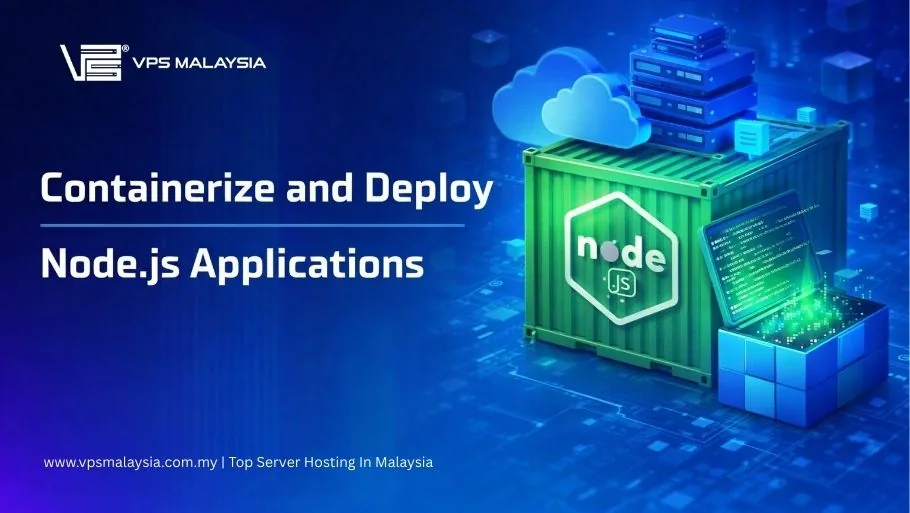
DNS points visitors to the VPS, while SSL protects browser traffic and improves trust.

A record to VPS IPVirtual host configLet's Encrypt SSLHTTP to HTTPS redirectCertificate renewal checks

Deployment Flow

Without a panel, deployment usually uses SSH, SFTP, Git, rsync or CI/CD scripts.

SSH accessSFTP or Git deployCorrect file permissionsEnvironment variablesRestart services safely

Maintenance

The site remains reliable only when updates, backups, monitoring and security checks are handled consistently.

Patch OS packagesBack up files and databaseMonitor disk and memoryReview logsHarden SSH

Quick Reference

No-cPanel Hosting Table

Web server

Configure Nginx, Apache or another server for each domain.

Runtime

Install PHP, Node.js or the application runtime required by the site.

Database

Create users, permissions, backups and secure local access.

SSL

Use Let's Encrypt or a valid certificate with auto-renewal.

Security

Harden SSH, firewall exposed ports and keep packages patched.

Decision rule

Choose no-panel hosting only when you can manage Linux operations confidently.

Hosting without cPanel is efficient and flexible, but it moves responsibility to the operator. Use it when control matters and operations discipline is available.

Explore VPS Malaysia Services