VPS Malaysia Blog

General

8 Essential Linux Security Best Practices

Linux VPS security is strongest when access control, patching, firewall rules, SSH hardening, monitoring and backups work together as one operating routine.

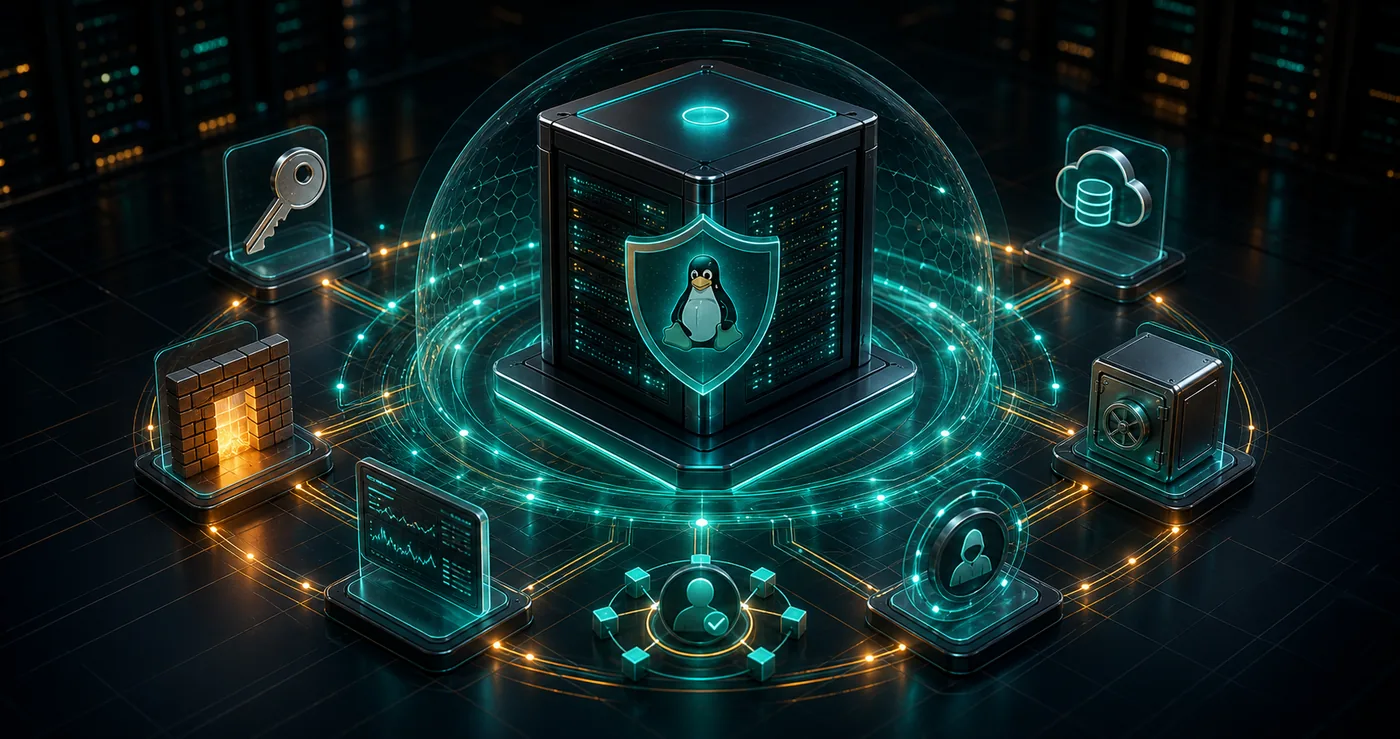
3D Linux VPS server protected by layered security shields, SSH keys, firewall and backup vault
8Core Linux security practices
SSHHarden remote server access first
24/7Monitor logs, updates and service health

Linux Server Defense

What this guide covers.
3D Linux VPS server protected by layered security shields, SSH keys, firewall and backup vaultHardened Linux VPS

Linux VPS security is strongest when access control, patching, firewall rules, SSH hardening, monitoring and backups work together as one operating routine.

Start by updating packages, removing unused services and enforcing strong user access controls.

SSH should use keys, limited login access, disabled root login and firewall restrictions where practical.

Security remains effective only when backups, monitoring, malware checks and patch routines are maintained.

Redesigned Guide

Visual decision path.

Access Hardening

Most Linux incidents begin with weak access control. Protect SSH, separate admin users and avoid direct root login.

Use SSH keysDisable root loginCreate named sudo usersLimit login attemptsUse strong unique passwords

Patch Discipline

Updates close known vulnerabilities in the kernel, services, libraries and applications before attackers can reuse public exploits.

Update packages regularlyEnable security updatesRemove unused packagesTrack reboot-required noticesPatch web apps and control panels

Network Defense

A firewall reduces exposed services and forces every open port to have a business reason.

Allow only required portsRestrict admin ports by IP when possibleUse UFW, firewalld or iptablesBlock suspicious trafficReview open ports often

Recovery Layer

Backups and monitoring turn incidents from disasters into manageable operations.

Schedule off-server backupsTest restore proceduresMonitor auth logsUse intrusion detection where neededAlert on resource spikes

Quick Reference

Linux Security Checklist

System updates

Patch OS packages, kernel, services and application dependencies.

SSH keys

Prefer key-based login and disable direct root SSH access.

Firewall

Expose only the ports required for production services.

Least privilege

Use named users and sudo instead of shared root access.

Monitoring

Watch logs, failed login attempts, disk usage and process behavior.

Backups

Keep off-server backups and test restores before incidents happen.

Malware checks

Scan suspicious files and keep web applications clean.

Documentation

Record ports, users, services and recovery steps.

Linux security is not one tool. It is a repeatable routine: harden access, patch quickly, reduce exposure, monitor changes and keep recovery ready.

Explore VPS Malaysia Services