VPS Malaysia Blog

General

NVMe vs M.2: What's the Difference and Which One Do You Need?

M.2 is the physical slot and module shape; NVMe is the high-speed storage protocol that runs over PCIe. A drive can be M.2 SATA or M.2 NVMe, so buyers need to check both form factor and protocol.

3D M.2 SSD module with glowing NVMe PCIe data lanes
M.2Physical form factor and connector standard
NVMeHigh-speed protocol over PCIe lanes
2280Most common consumer M.2 SSD size

Storage Buying Guide

What this guide covers.
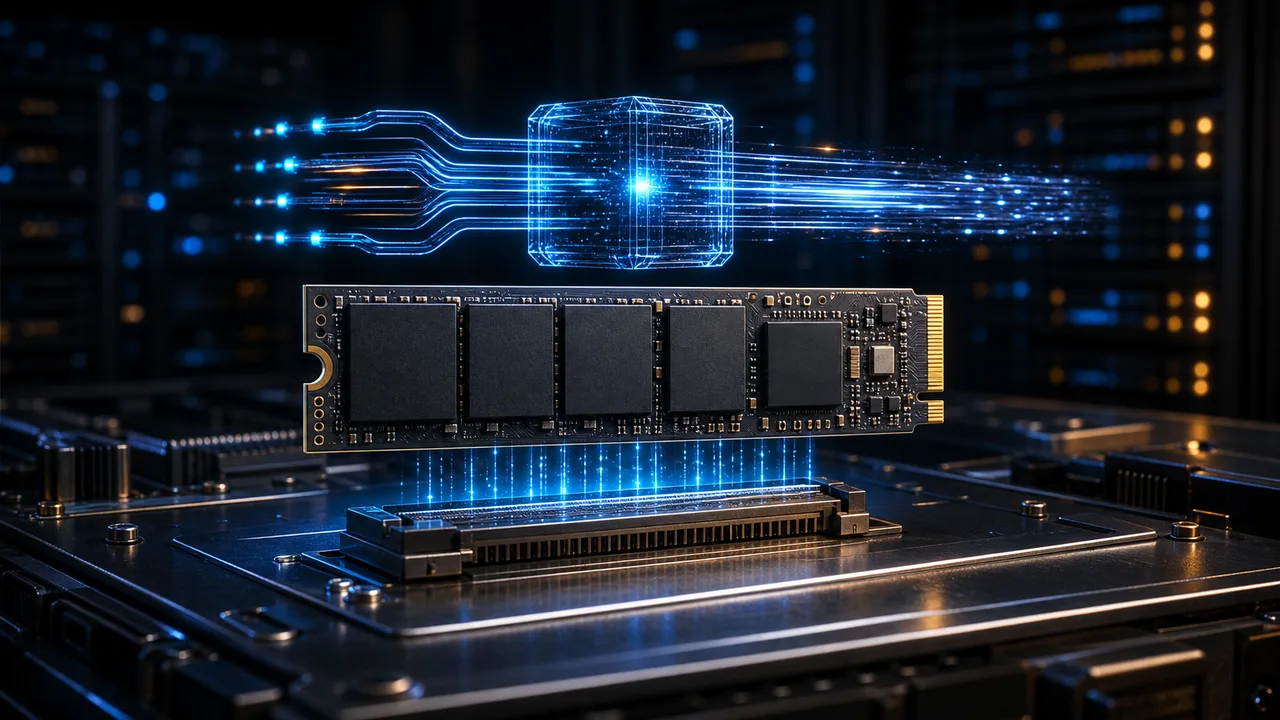
3D M.2 SSD module with glowing NVMe PCIe data lanesForm vs Protocol

M.2 is the physical slot and module shape; NVMe is the high-speed storage protocol that runs over PCIe. A drive can be M.2 SATA or M.2 NVMe, so buyers need to check both form factor and protocol.

M.2 describes shape, length and connector keys, not speed by itself.

NVMe is faster than SATA because it communicates directly over PCIe and was designed for flash storage.

Compatibility depends on motherboard slot support, keying, PCIe generation, BIOS settings and device size.


Redesigned Guide

Visual decision path.

Basic Difference

The most important distinction is physical versus logical: M.2 is the hardware format, while NVMe is how the storage talks to the system.

M.2 is a slot/module standardNVMe is a storage protocolM.2 can also use SATANVMe usually uses PCIeNot every M.2 drive is NVMe

M.2 Details

M.2 drives come in different lengths and key types. Most desktops and laptops use 2280, but compact devices can require shorter modules.

2230 compact devices2242 ultrabooks and embedded use2260 less common systems2280 mainstream desktops and laptopsB-key and M-key compatibility checks

NVMe Performance

NVMe removes SATA-era bottlenecks and scales with PCIe generation. Real benefits are largest in heavy workloads such as servers, editing and large transfers.

Lower latency than SATAHigher sequential speedHigher random IOPSPCIe 3.0, 4.0 and 5.0 tiersUseful for workstations and servers

Buying Decision

Everyday users may not feel the difference in light tasks, but gamers, creators, database workloads and server users benefit more from NVMe performance.

Office work can use SATA SSDGamers benefit from fast NVMe but with diminishing returnsCreators need sustained throughputServers need latency and IOPSBudget buyers should confirm slot support first

Quick Reference

NVMe vs M.2 Decision Table

M.2

Physical module shape, slot and connector specification.

NVMe

Fast storage protocol built for flash storage over PCIe.

M.2 SATA

Uses M.2 shape but older SATA protocol and lower speed.

M.2 NVMe

Uses M.2 shape plus NVMe protocol for high performance.

Compatibility

Check slot key, module length, PCIe generation and BIOS support.

Best choice

Choose NVMe for performance-heavy PCs, servers and workstations.

The safest buying rule is simple: M.2 tells you whether the drive fits; NVMe tells you how fast it can communicate. Check both before upgrading.

Explore VPS Malaysia Services